

For iPhone, iPad, Mac and the web

Plan, draft and document your weaving

VÄVA keeps everything in a weaving project together – weaving draft, project notes, yarns, photos and notes – and works out the warp length and how much yarn you need.

iPhone and iPadDownload on the App Store
MacDownload on the Mac App Store
Web app · previewOpen web app

The same projects and the same subscription on all your devices.

The web app is being prepared for launch. New subscriptions and editing will open later.

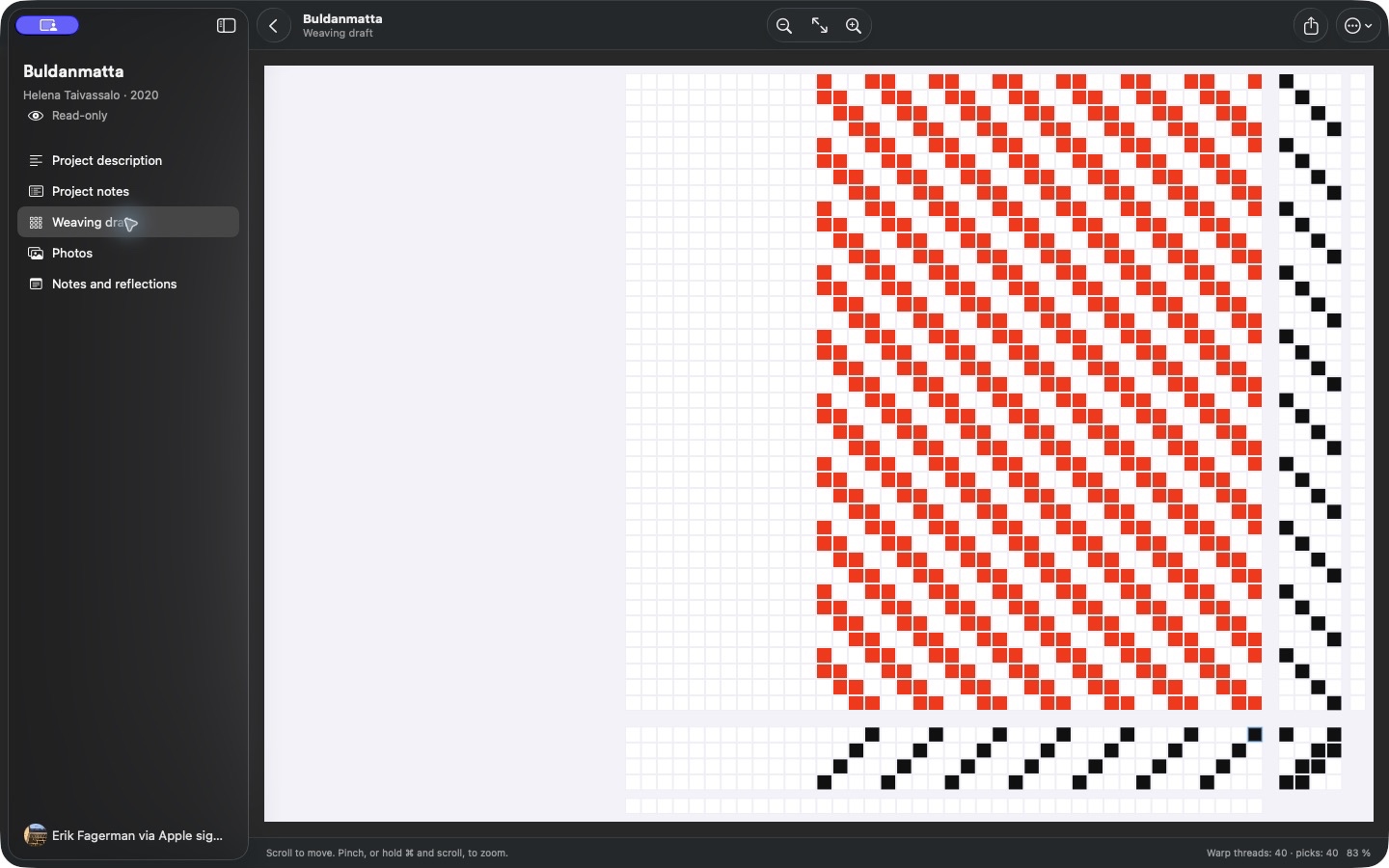
VÄVA on Mac with a sidebar and the weaving draft for Buldanmatta.
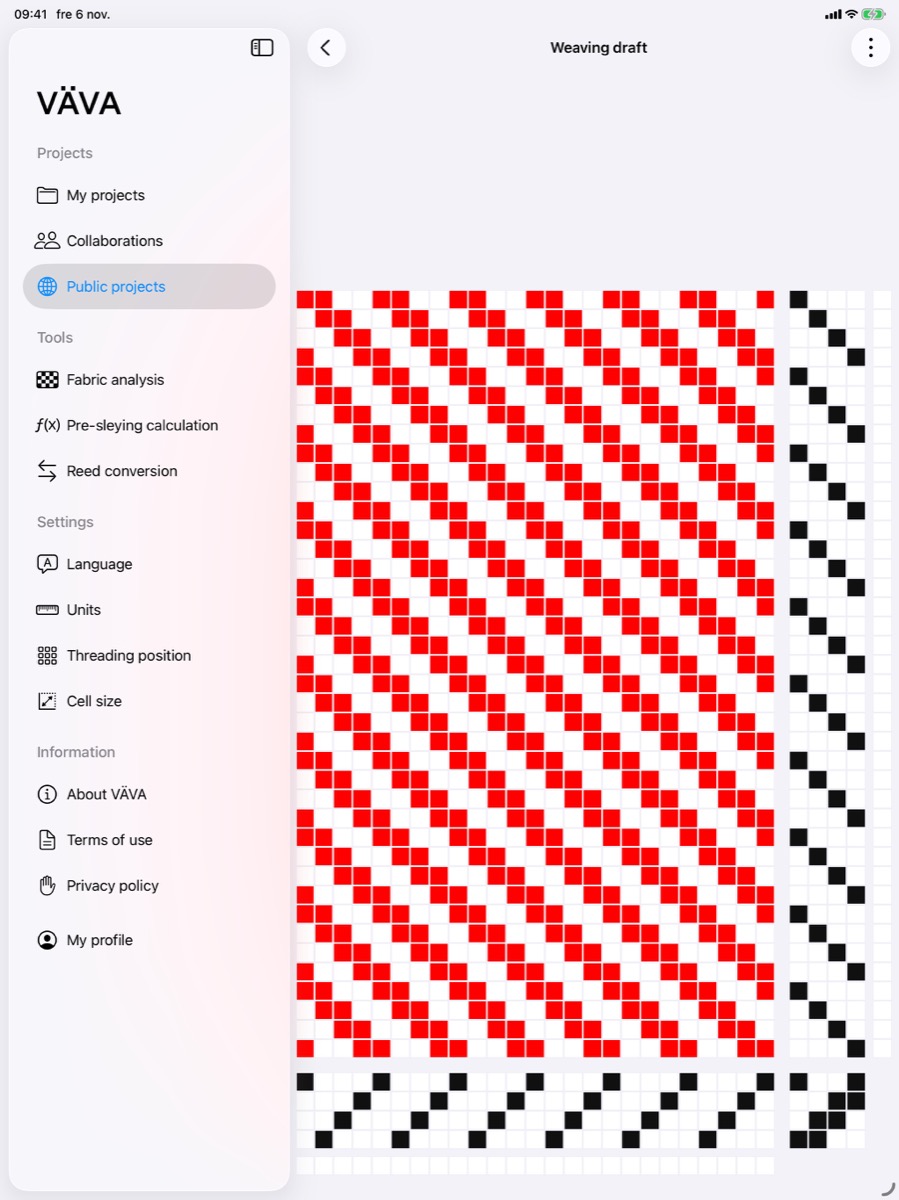
VÄVA on iPad with the sidebar and weaving draft for the same project.
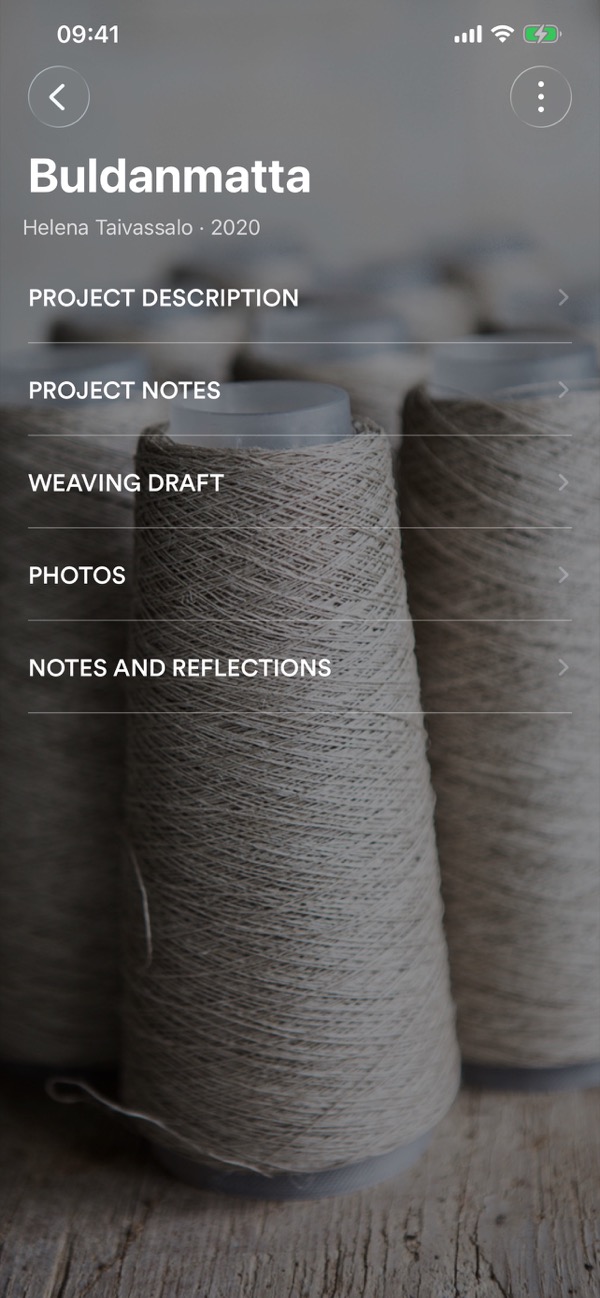
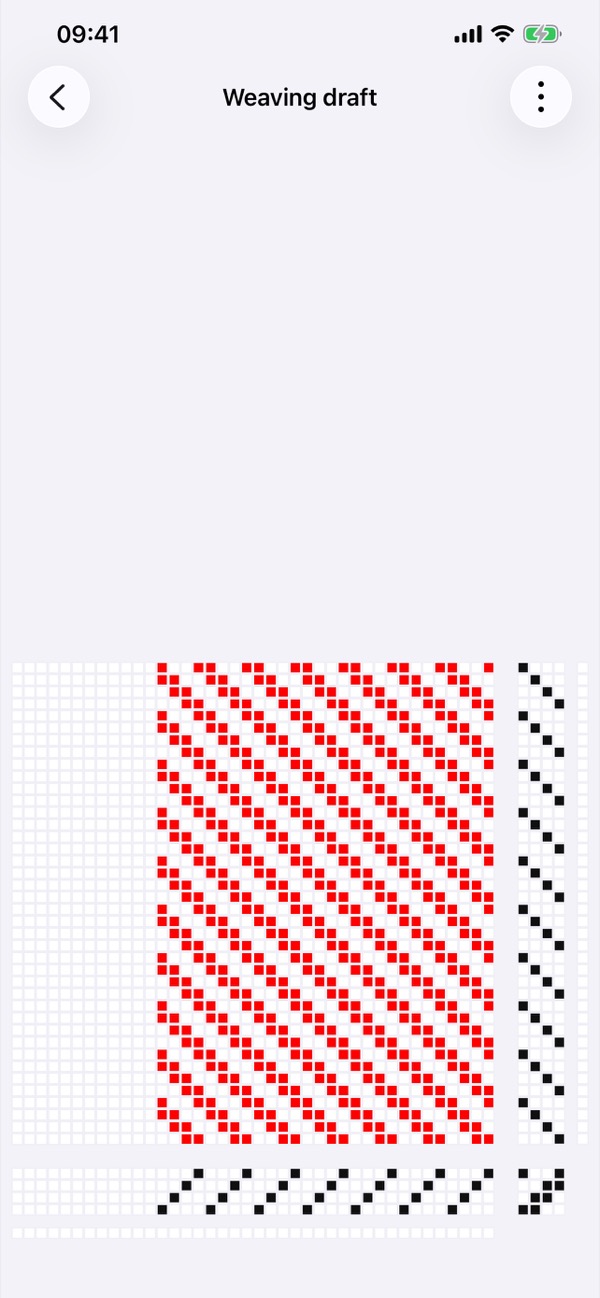
The same weaving project, Buldanmatta, open in VÄVA on iPhone.

Features

The whole weaving project in one place

From the first sketch to the finished cloth. Everything that belongs to the project comes along – in your pocket, at the loom and on your computer.

A weaving draft in VÄVA showing a twill in red and black.

Weaving draft

Draw the threading, tie-up and treadling square by square and watch the weave appear – with the warp and weft colours in place.

  • Up to 16 shafts and 16 treadles
  • Large patterns shown one repeat at a time
  • Open and save WIF files from other weaving programs
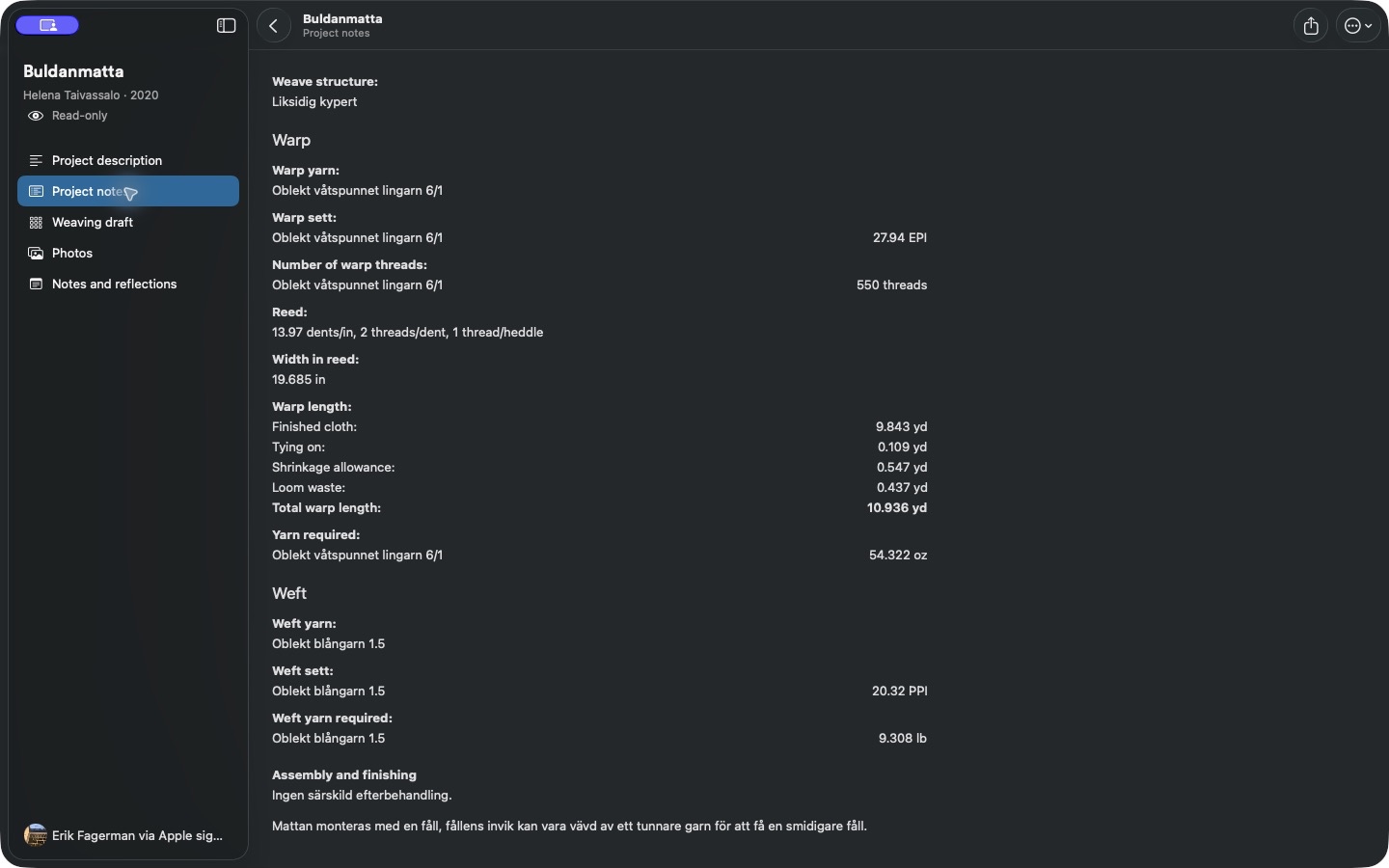
Project notes in VÄVA on Mac with warp yarn, sett, reed and warp length.

VÄVA on Mac

Project notes

Weave structure, reed, warp and weft gathered in clear project notes. VÄVA works out the total warp length, the number of warp ends and how much yarn you need.

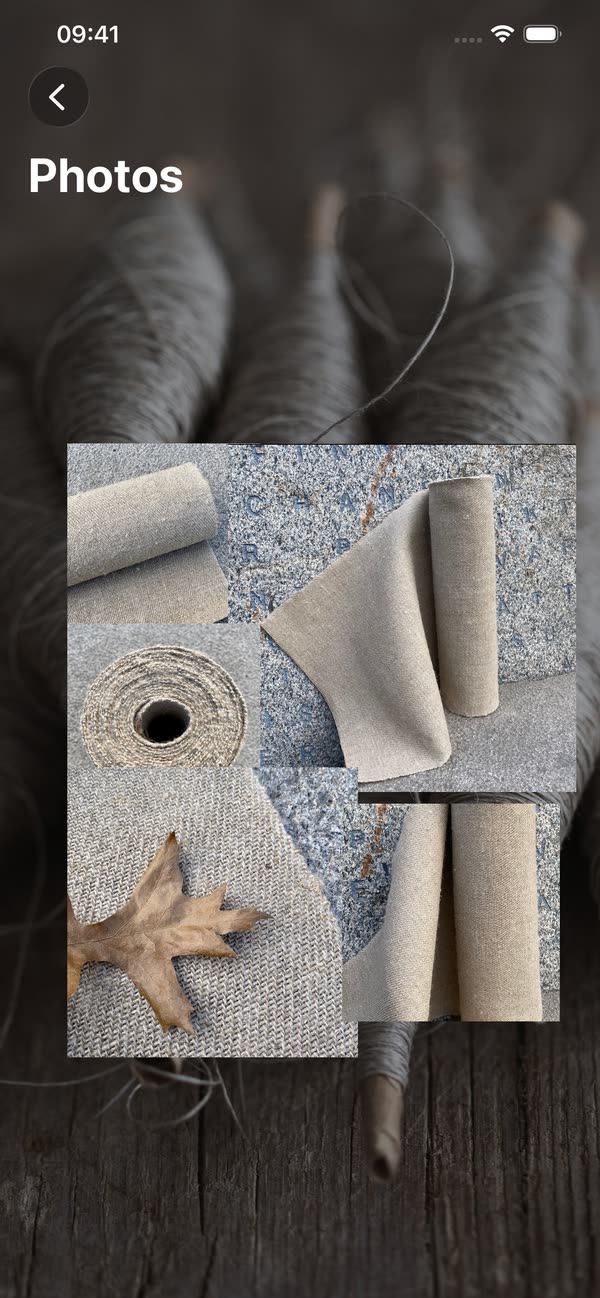
Photos of finished linen cloth in a VÄVA project.

Photos and samples

Keep photos of the cloth, the yarn and your samples in the project. Next time you weave the same thing, it is all still there – including the notes on what you changed.

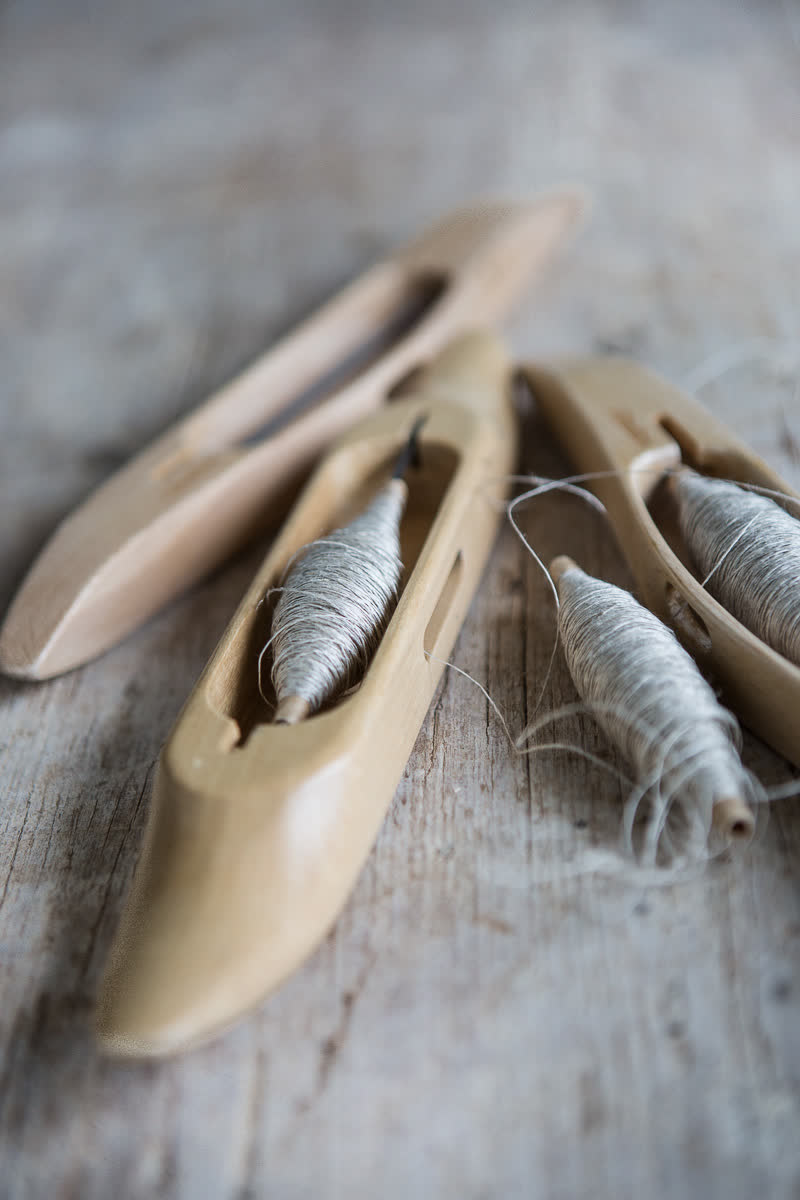
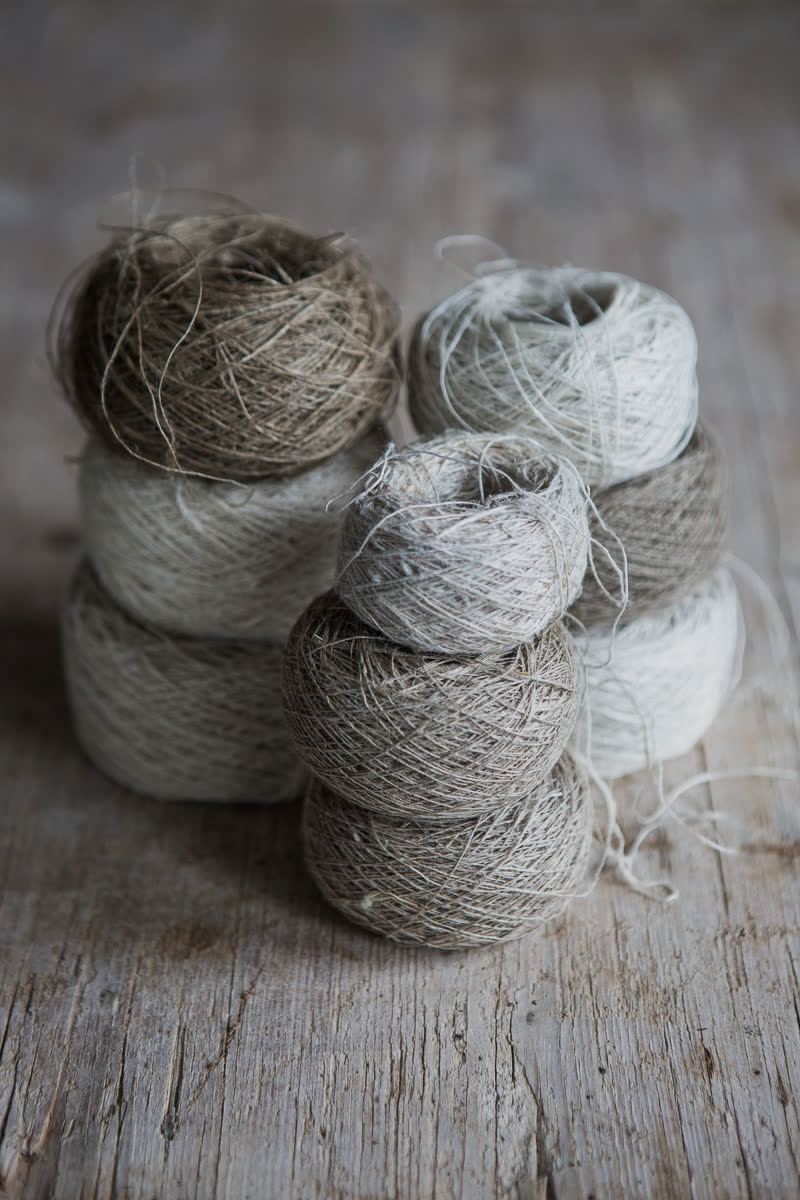
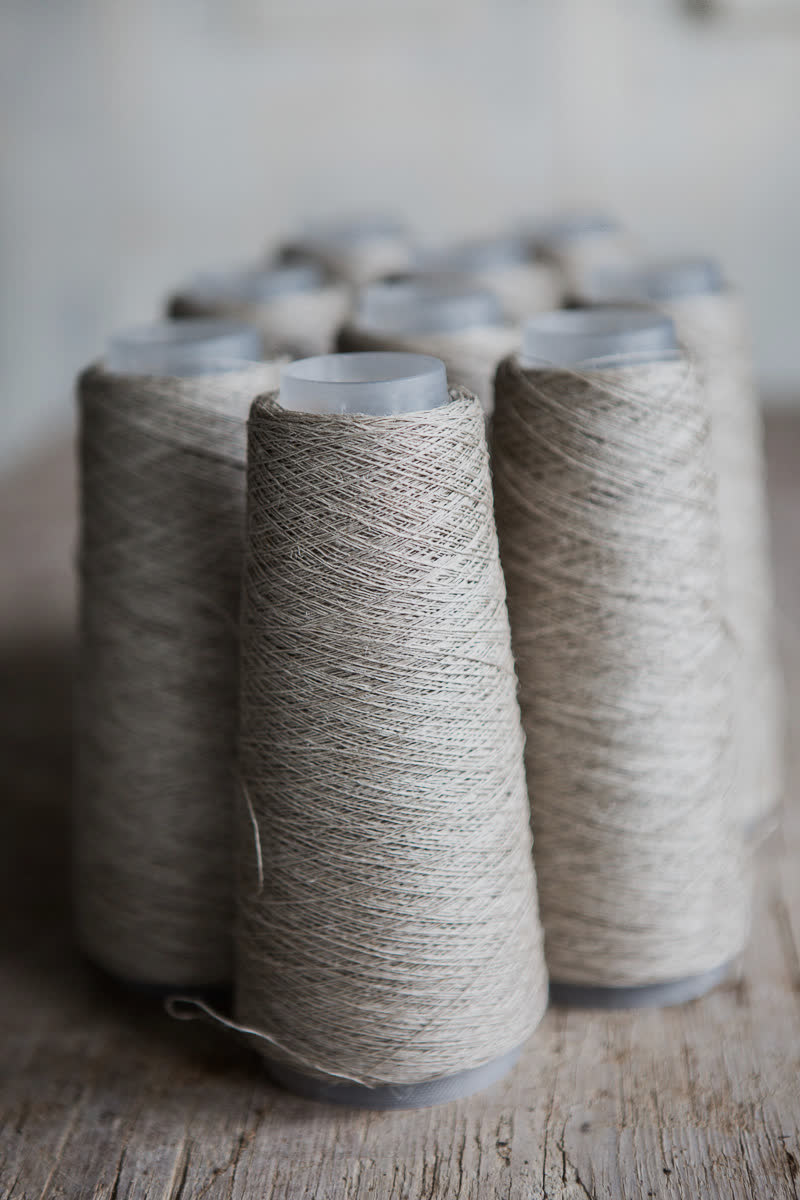
Wooden shuttles with bobbins of linen yarn. Balls of linen yarn in different shades of grey. Cones of unbleached linen yarn.

Made by a weaver and an app developer – for everyone who weaves.

And much more

Everything around the weaving

Weave together

Invite others to a project with a link and leave comments for each other.

Public projects

Get inspired by projects other weavers share – and share your own.

Tools

Fabric analysis, reed conversion and pre-sleying calculations for when you need a quick answer.

Print and share

Make a PDF or Word document of the whole project, or send it as a VÄVA file by AirDrop or Mail.

Your projects in the cloud

Sign in with Apple, Google or e-mail. Your projects are stored safely and go wherever you go.

In nine languages

English, Swedish, Danish, Norwegian, Finnish, Icelandic, German, French and Spanish.

VÄVA on iPad with the sidebar and the weaving draft for Buldanmatta.

Platforms

The same projects, wherever you weave

One account for your weaving projects – in the apps and in the upcoming web version. Plan at your desk and take the project to your loom.

iPhone and iPad

Available now

All of VÄVA in your pocket and on the big screen by the loom.

Download on the App Store

Mac

Mac app

A native Mac app with a menu bar, keyboard shortcuts and room for your weaving drafts, project notes and photos. The same projects and subscription as on your iPhone and iPad.

Download on the Mac App Store

Web app

Preview

Your weaving projects in the browser on Mac, Windows and Linux, with nothing to install. Sign in with the same VÄVA account you use in the apps.

The web app is being prepared for launch. New subscriptions and editing will open later.

Open web app
Helena Taivassalo and Erik Fagerman in front of a grey wooden wall.

About us

The people behind VÄVA

We who created the app are Helena Taivassalo and Erik Fagerman. We have brought together our respective skills, handweaving and app development. We hope our work brings you joy!

Questions, ideas or something that isn't working? Write to us.

Start your next weaving project

Choose VÄVA for iPhone and iPad or for Mac, or take a look at the web app preview.

iPhone and iPadDownload on the App Store
MacDownload on the Mac App Store
Web app · previewOpen web app

The web app is being prepared for launch. New subscriptions and editing will open later.